Connect, read-only
Grant four minimal roles — three read-only org-wide, one write on a single dataset we create. No data access, no admin, no billing. ~5 minutes.
The only pure-play BigQuery FinOps
Biq Blue is the only FinOps tool built exclusively for Google BigQuery — not a multi-cloud dashboard, not a generic spend tracker. Every recommendation is BigQuery-native.
First month free · no credit card · 30-min setup · cancel anytime
 Savings — acme-data · biq.blue
×
Biq Blue
Savings — acme-data · biq.blue
×
Biq Blue4 projects/users would cost less in an autoscaling reservation.
On-demand queries that would be cheaper under slot billing.
1 autoscaling reservation could be ~34% cheaper with fluid scaling.
Trusted by data teams at






Live in an afternoon
Grant four minimal roles — three read-only org-wide, one write on a single dataset we create. No data access, no admin, no billing. ~5 minutes.
We cross-reference jobs, tables, reservations and storage from INFORMATION_SCHEMA — then rank every saving by impact and effort.
Each fix links straight to the action. Hit Optimize with AI and an agent runs the migration for you — slots, storage mode, Bi-Engine.
Optimize with AI
Every recommendation ships a ready-to-run prompt — the exact reservation, tables, region and steps. One click copies it; paste it into Claude, ChatGPT, Cursor or your own agent and it runs the migration for you. No BigQuery expertise required.
TASK: Move app-data-production to an autoscaling slot
reservation — it would cost ~$4,896/mo less than on-demand.

1. Create a reservation · region EU · Edition ENTERPRISE
   · baseline 0 · max 1,500 slots.
2. Assign project app-data-production to the reservation.
3. Enable fluid scaling; keep on-demand as the fallback.

Ref: cloud.google.com/bigquery/docs/reservations
Pure-play advantage
Because we only do BigQuery, we see what multi-cloud tools miss. Break down spend by service, user, project, label, or reservation, and find the one scheduled job that's quietly costing you $1,400 a month.
Recommendations
Every recommendation comes with an exact savings number, the queries or tables affected, and a one-line action. No dashboards to interpret.
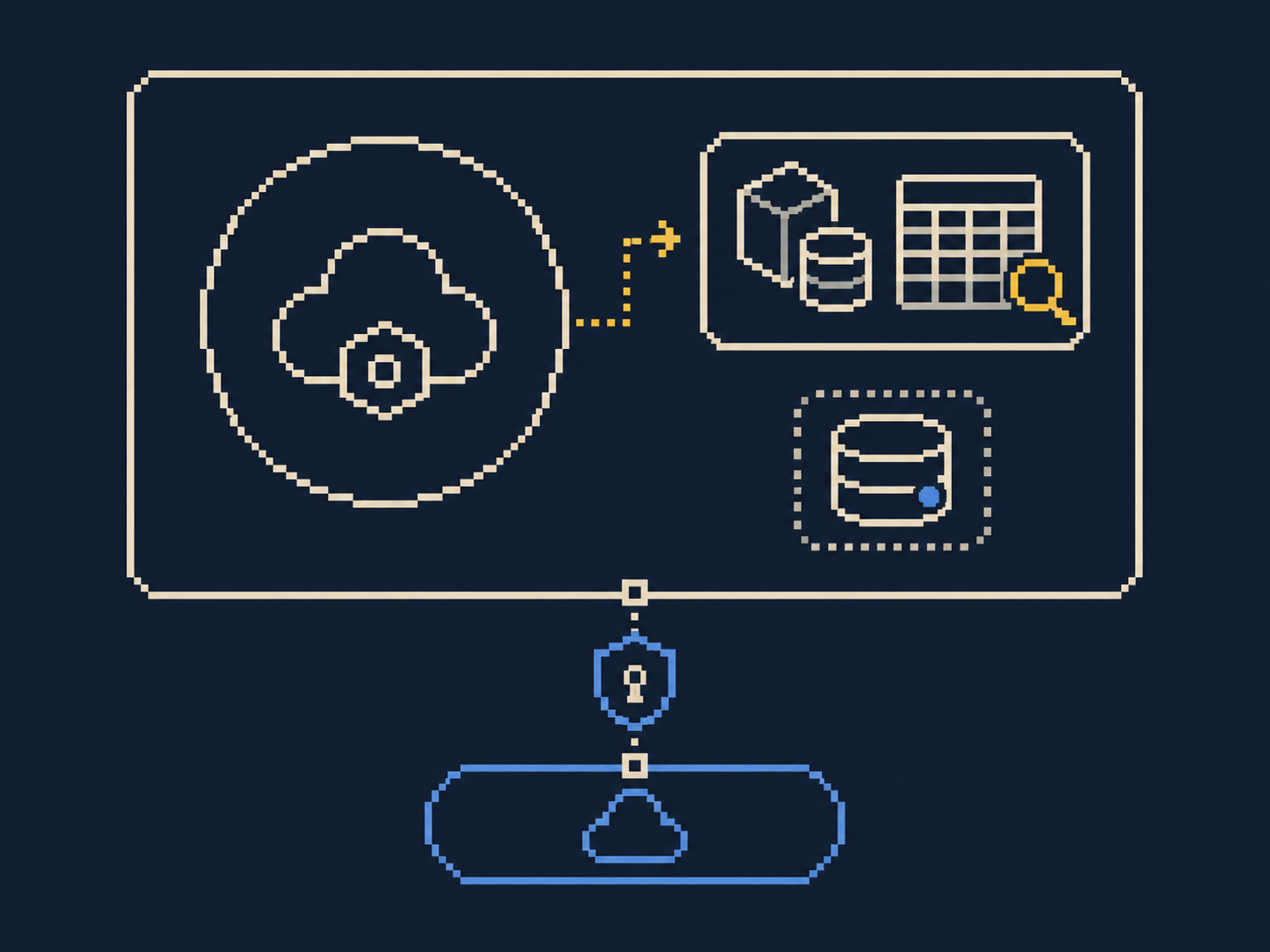
Safety by design
We only query INFORMATION_SCHEMA. All state lives in a dataset in
your project. Revoke the service account and Biq Blue is gone: no export,
no residue, no lock-in.
Worth it — or not?
BI-Engine, slot reservations, autoscaling — Biq Blue compares what you actually pay against what the exact same workload would cost on-demand. Green means keep it, red means switch. No more guessing whether that commitment was a good idea.
From customer Slacks

Wrap up 2025
In 2025, BigQuery (+ GCS, we include it since we keep a bunch of archived tables there) cost us $903K, vs $1,484K in 2024 😊 Monthly costs are now around ~$60K — we're back to December 2022 levels. Mostly thanks to @Biq 🚀

Hello, FYI — I let it run all Sunday on the slot setup and we went from $128 $118 → $38
daily on the 2 jobs (hourly/trihourly) 👏

−$90/day, that's it ?
It's $118 above actually, $80/day → $2,400/month 👍

Awesome!
Vendor paid for itself already 👏

Hi @Bruno & @Nicolas, hope you had a great holiday break.
We rolled out reservations and we're tracking usage on this board: myaccount.biq.blue/analysis_reservations.html
The goal is to right-size each reservation per batch type to maximize utilization, based on overnight runs. Would it be possible to filter on today's date only, to track the reservation usage ratio and check the caps are optimal?
Hi @Julien, thanks! Hope you had a great break too 🎄
Solid work on your end! What you saved by switching to reservations is
on-demand cost − reservation cost:
(266+315+12+55+37) − (117+131+5+10+5)
= 685 − 268 = $417/week
=> You'll save around $1,200/month, or $14,000/year 💥
If we zoom in here, moving 1,172 on-demand queries ($62) onto the reservation ($10) is 6× cheaper — that's $1,500/month less 🥳

It's beautiful 😍

@Nicolas Good news — you just helped us avoid a nice $$$ incident thanks to alerting 🙏
(edited)
Very cool! Maybe we'll put that line in future testimonials haha
not unhappy I set up alerting this morning 😂😅

💰 More precision on the costs → it's really better 😉
Billed by GCP organization. Every tier ships every feature.
For small teams
Flat rate, billed monthly · for 1–30 BigQuery user(s)*
Start trialThe popular choice
Per user*, per month · 30+ BigQuery user(s)
Start trialBest value
Per user*, per month · 12-month commit, paid upfront
Talk to usPrices shown exclude applicable tax. Plans and prices are subject to change.
* A "user" is a distinct Google BigQuery user_email active during
the month.
It cross-references job, table, reservation and storage data from INFORMATION_SCHEMA to
produce precise savings recommendations.
No. Only the INFORMATION_SCHEMA views and a dedicated dataset in your project. Nothing
leaves your house.
Four minimal roles — three read-only org-wide, one write-access on a single dataset we create in your
project.
On your main project · BigQuery Data Editor (on the dedicated Biq Blue dataset only)
At organization / folder / project level · BigQuery Metadata Viewer ·
BigQuery Resource Viewer · BigQuery Job User
That's all. No data access, no admin, no billing. Revoke the service account and we're gone.
Our customers generate −40% average savings within the first two weeks.
30-minute setup. First month free. No credit card.
Book a demo